If you’ve ever recorded a hike, bike ride, road trip, expedition or other adventure with a GPS app or device, you can now bring it into Tripline in seconds.
Tripline now supports importing GPX and KML files.
Simply upload your file, preview the route, select your options, and Tripline automatically creates a trip complete with:
- Your detailed GPS track
- Waypoints from your file
- Original travel dates and times (when available)
- A Tripline story ready to customize and share
Whether your files come from Gaia GPS, Strava, CalTopo, Orux, Garmin, AllTrails or dozens of other apps, importing your adventures has never been easier.
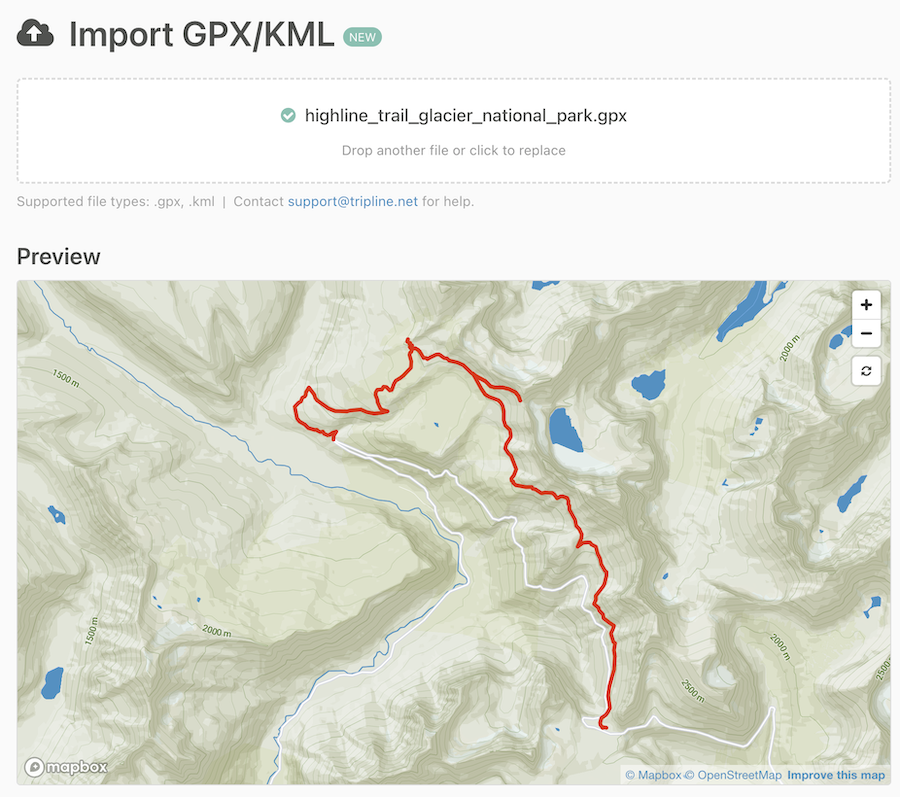
Once you’ve previewed your track, you can select your import options (tracks, routes, waypoints), choose your map style and create your trip. For more details, read through our help post on the subject.
This is just the beginning. We’ll continue improving the importer with additional features and workflow enhancements based on your feedback.
This feature is only available to Tripline Pro subscribers. If you don’t have a Pro account yet, Upgrade to Pro to get started.